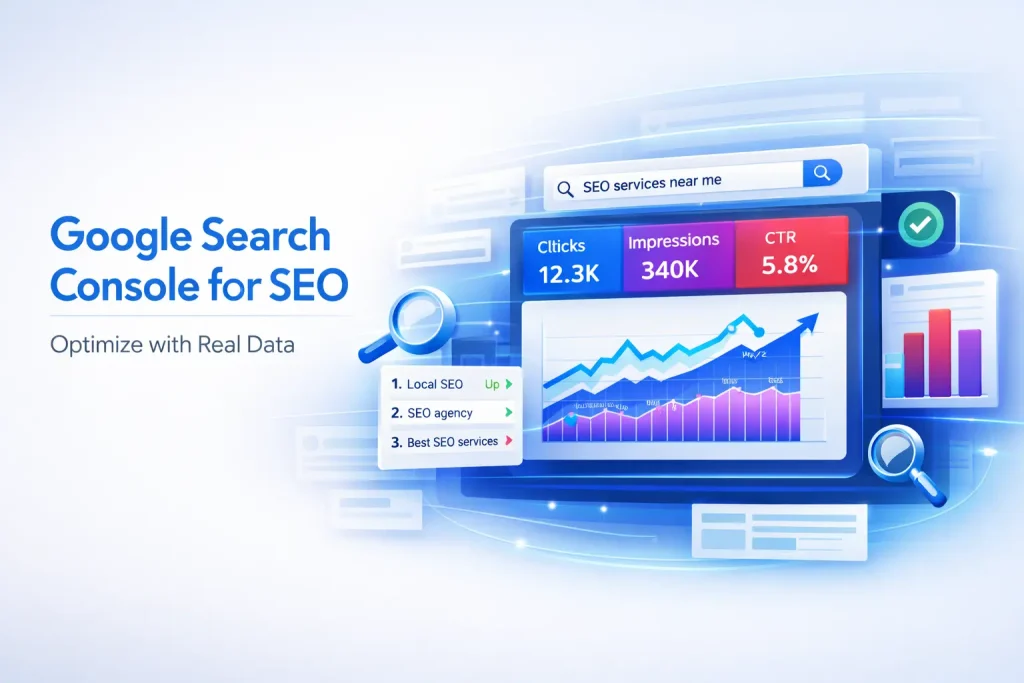
When users search for queries like “SEO services near me,” “website optimization,” or “digital marketing strategies,” search engines rely on data signals to determine which pages deserve to rank. Without access to this data, improving on-page SEO becomes guesswork rather than strategy.
This is where Google Search Console becomes essential. It provides real performance data directly from search results, helping you understand how your pages are performing and where improvements are needed. For service-based businesses, using this data correctly can lead to better rankings, higher visibility, and more conversions.
What Is Google Search Console?
Google Search Console is a free tool that allows website owners to monitor, analyze, and optimize their website’s presence in search results. It provides insights into how Google views your site, which keywords drive traffic, and what issues may be affecting performance.
Unlike third-party tools, it offers first-party data directly from search engines, making it one of the most reliable sources for SEO optimization.
Why Google Search Console Is Important for On Page SEO
On-page SEO requires continuous improvement based on real user behavior and search performance. Without accurate data, optimization efforts can become ineffective and misaligned with user intent.
Google Search Console provides insights into impressions, clicks, rankings, and indexing status, allowing you to make data-driven decisions that improve both rankings and user engagement.
The key benefits of using Google Search Console for on-page SEO include
- Access to real keyword performance data
- Insights into click-through rates and impressions
- Identification of indexing and crawl issues
- Opportunities for content optimization
- Improved understanding of search intent
Key Google Search Console Features for On Page SEO
Understanding the core features of Google Search Console is essential for applying it effectively in your SEO strategy. Each feature provides actionable data that can directly impact your on-page performance.
The most important features include
- Performance Report, which shows clicks, impressions, CTR, and keyword rankings
- URL Inspection Tool, which helps analyze individual page indexing and issues
- Coverage Report, which identifies indexing errors and crawl problems
- Enhancements Report, which highlights usability and structured data issues
How to Use GSC for Keyword Optimization
Google Search Console provides valuable keyword data that reveals how users find your website. By analyzing this data, you can refine your keyword strategy and improve content relevance.
A structured approach to keyword optimization ensures that your pages target the right queries and improve their ranking potential.
The most effective keyword optimization steps include
- Finding ranking keywords that already generate impressions
- Identifying low CTR keywords that need optimization
- Improving keyword targeting by aligning content with search intent
How to Improve CTR Using Google Search Console
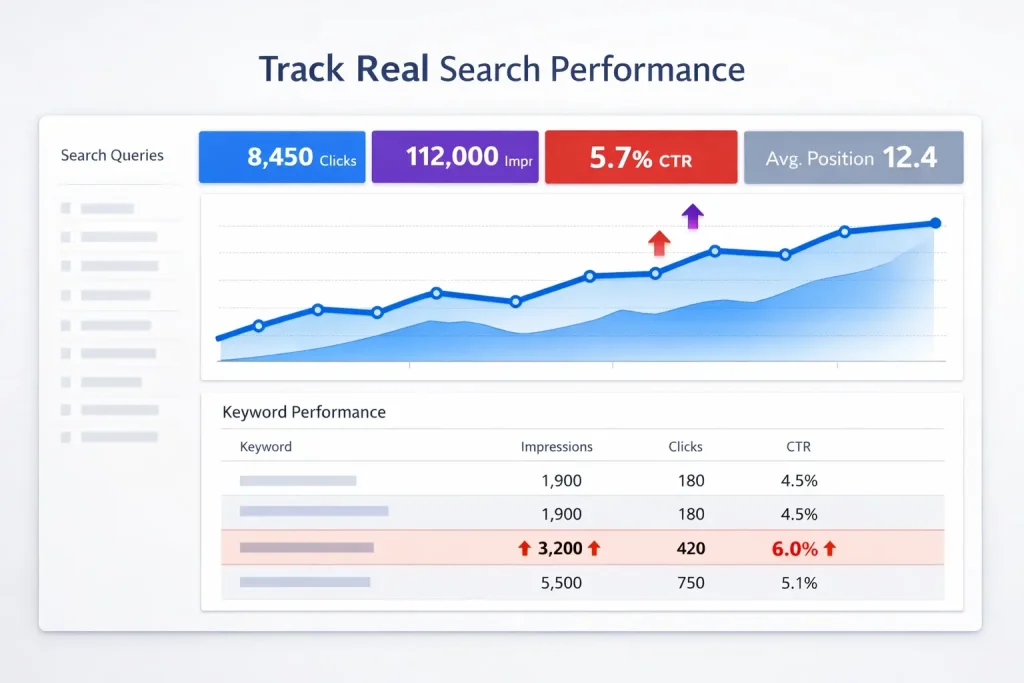
Click-through rate (CTR) is a critical metric that determines how often users click on your page after seeing it in search results. A low CTR indicates that your listing is not compelling enough.
Improving CTR can significantly increase traffic without changing your rankings, making it one of the fastest ways to boost performance.
The best ways to improve CTR include
- Optimizing title tags to make them more engaging and relevant
- Improving meta descriptions to match user intent
- Aligning content with search expectations to increase relevance
Using GSC to Fix Indexing Issues
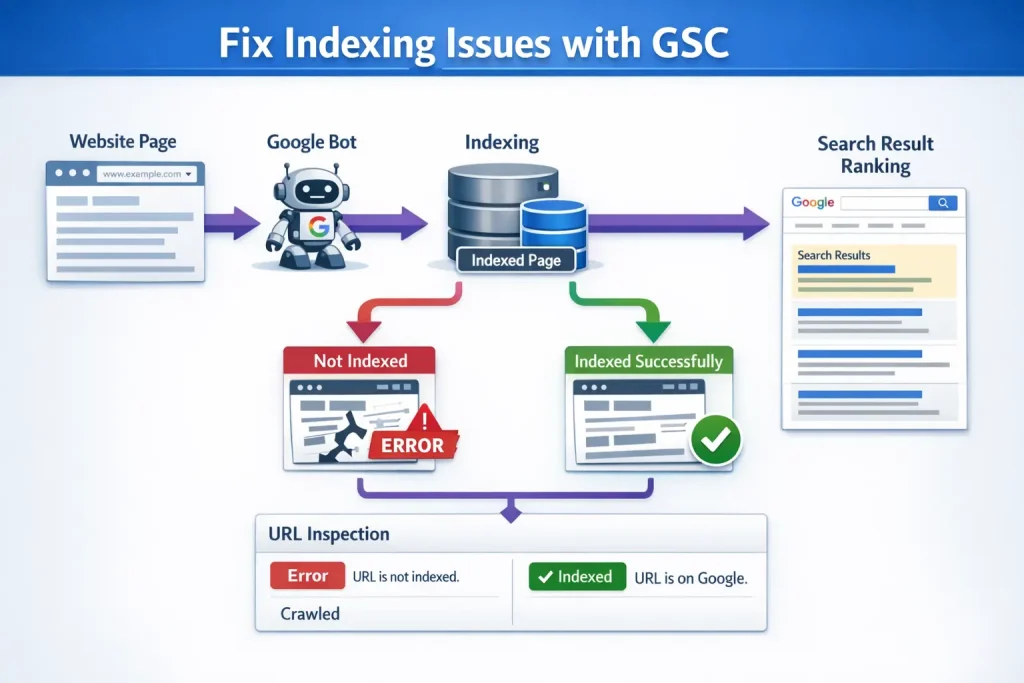
Indexing issues can prevent your pages from appearing in search results, limiting your visibility and traffic potential. Google Search Console helps identify and resolve these problems efficiently.
By addressing indexing issues, you ensure that all important pages are accessible to search engines.
Key steps to fix indexing issues include
- Identifying coverage errors that block indexing
- Fixing crawl issues that prevent page discovery
- Requesting indexing after making updates
Using GSC for Content Optimization
Content optimization becomes more effective when it is based on real performance data. Google Search Console allows you to identify underperforming pages and improve them strategically.
This ensures that your content remains relevant, competitive, and aligned with user intent.
The most effective content optimization strategies include
- Updating underperforming pages with better content
- Expanding content based on additional search queries
- Improving relevance by aligning with user intent
Using GSC to Detect Cannibalization Issues
Keyword cannibalization occurs when multiple pages target the same query, reducing their ability to rank effectively. Google Search Console can help identify these conflicts.
By analyzing overlapping queries and competing pages, you can resolve cannibalization and improve overall SEO performance.
The key steps to detect and fix cannibalization include
- Identifying pages ranking for the same keywords
- Analyzing query overlap across multiple URLs
- Consolidating or re-optimizing competing pages
Internal Linking Optimization Using GSC
Internal linking plays a crucial role in both SEO and user experience. It helps distribute authority across your website and guides users through relevant content.
Google Search Console data can help identify which pages should receive more internal links to improve performance.
The most effective internal linking strategies include
- Identifying high-performing pages and linking to them
- Passing authority to important pages through internal links
- Improving content flow to enhance user experience
Common Mistakes When Using Google Search Console
Many businesses fail to fully utilize Google Search Console due to a lack of strategy. Misinterpreting data or ignoring insights can limit the effectiveness of your SEO efforts.
Avoiding these mistakes ensures that you get the maximum value from the tool.
Common mistakes include
- Ignoring data trends over time
- Not updating content based on performance
- Misinterpreting metrics like impressions and CTR
- Focusing only on rankings instead of overall performance
Final Thoughts
Google Search Console is one of the most powerful tools for improving on-page SEO. It provides real, actionable data that allows you to optimize your website based on actual search behavior.
By using GSC strategically, you can improve keyword targeting, fix technical issues, enhance content, and build a stronger SEO foundation. This data-driven approach ensures long-term growth and consistent ranking improvements.
Frequently Asked Questions (FAQs)
What is Google Search Console used for?
It is used to monitor and improve a website’s presence in search results
How does GSC help with on-page SEO?
It provides keyword, performance, and indexing data for optimization
How can I find keywords in Google Search Console?
You can view them in the Performance Report under queries
How do I improve CTR using GSC?
By optimizing titles, meta descriptions, and aligning with search intent
Can GSC detect SEO issues?
Yes, it identifies indexing, crawl, and performance issues
How often should I check Google Search Console?
At least once a week for consistent monitoring
Is Google Search Console free?
Yes, it is completely free to use